
 01
01Friends, Family, Invited Guests
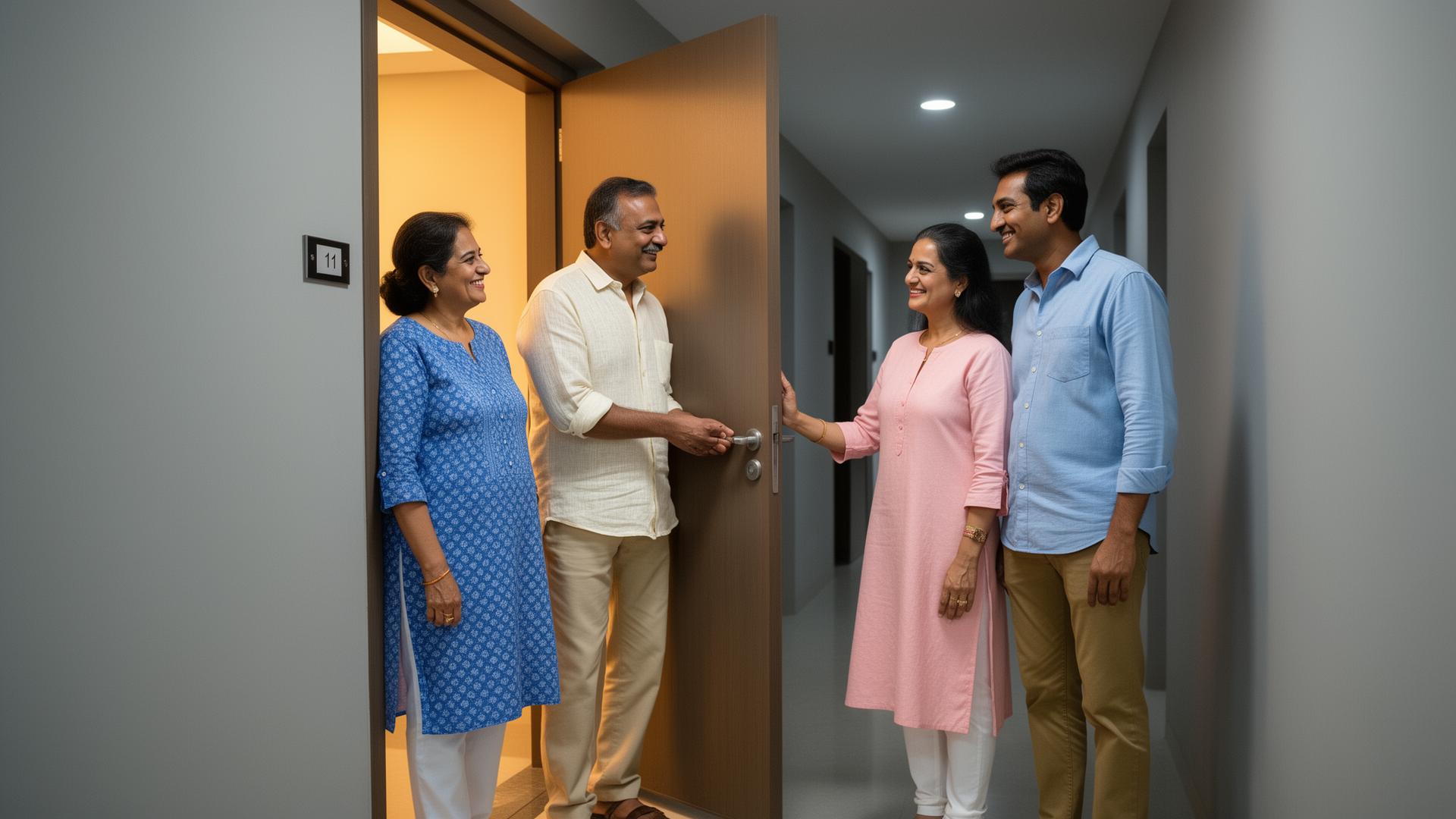
Residents pre-approve guests through the ADDA app or the guard approves at the gate. Guest receives a Visitor Pass on their phone — valid for the specific tower they are visiting, for the duration of the visit.

SmartAccessHub works Seamlessly with ADDA.io's Gatekeeper Solution to give every visitor and guest a simple, yet controlled way into your community — access only to where they need to go, for only as long as they need to be there. Nothing more.
The Problem

Visitors approved for one flat end up wandering across multiple floors and areas.
Delivery agents use resident elevators and access floors they have no business being on.
Vendors and service personnel roam freely through common areas after their job is done.
Guards cannot reliably track every visitor movement after they enter the gate.
ACCESS CONTROL AND VISITOR MANAGEMENT FINALLY TOGETHER
SmartAccessHub's visitor access control is fully integrated with ADDA Gatekeeper — ADDA's privacy-conscious visitor management system. Every visitor approved through ADDA Gatekeeper automatically gets the right visitor pass. Every access event feeds back into the Gatekeeper log. One seamless flow from gate approval to door access to exit — all tracked, all accountable.
ADDA GATEKEEPER × SMARTACCESSHUB
Visitor approved in Gatekeeper — access pass generated automatically. No duplicate entry, no manual setup.
Every visitor entry, every door accessed, every exit — logged and available to the Management Committee from the SmartAccessHub platform.
ADDA Gatekeeper is built around resident privacy — visitor data is never monetised, never shared, always controlled by the community.
INTEGRATED SOLUTION WITH ADDA.IO
SmartAccessHub works with ADDA.io's Gatekeeper Solution to give every visitor and guest a controlled entry experience — a visitor pass that is valid only for specific doors and a specific duration. The moment the visit ends, access expires. No lingering. No wandering. No manual follow-up.
01Residents pre-approve guests through the ADDA app or the guard approves at the gate. Guest receives a Visitor Pass on their phone — valid for the specific tower they are visiting, for the duration of the visit.
 02
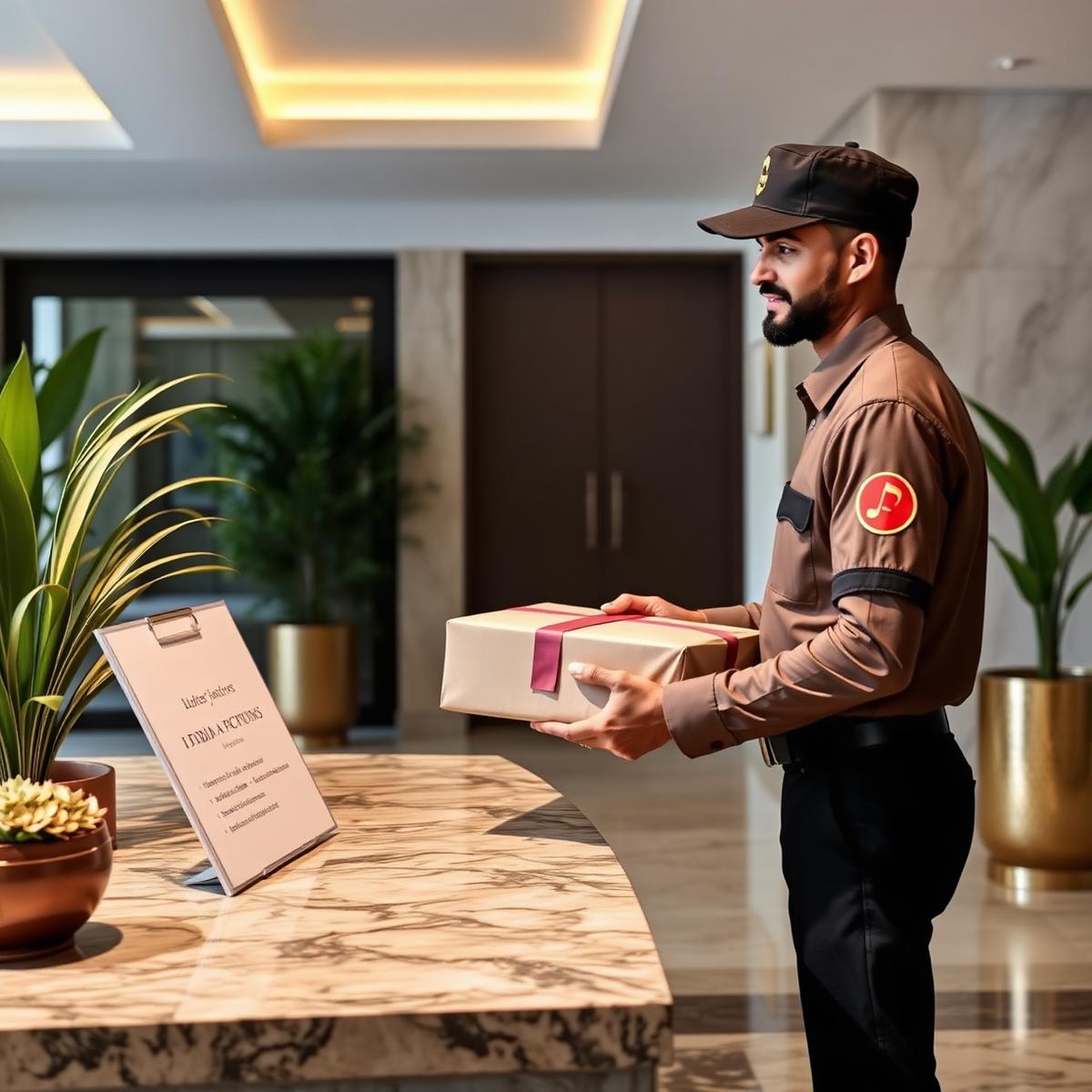
02Delivery agents, plumbers, electricians, AC technicians and other service vendors are granted access only to the designated towers, lobbies or elevators they need — and nowhere else.
 03
03For community events or private bookings, guest lists can be pre-loaded into ADDA.io. Each guest receives a visitor pass valid only for the clubhouse or party hall entry — not the rest of the community.
How It Works for Delivery & Service Vendors
Visitor arrives at the main gate. Guard verifies purpose of visit and the resident approves via the ADDA app — or the guard approves directly.
A small printed pass is issued at the gate. The pass specifies which access points are valid — tower, lobby, elevator or any other access point.
The visitor scans their visitor pass at each SmartAccessHub device they encounter. The door opens only if that access point is on their permitted list.
Once the visit duration ends or the visitor exits the community, the visitor pass expires automatically. No manual deactivation needed.
How It Works for Pre-Approved Guests
For frequent visitors — parents, relatives, trusted friends — residents can pre-approve access through the ADDA app. The visitor receives a pre-authorised Visitor Access Pass valid for a defined period. They can enter without waiting for guard approval every single time.
Convenient for your guest. Controlled for your community. No compromises on either side.
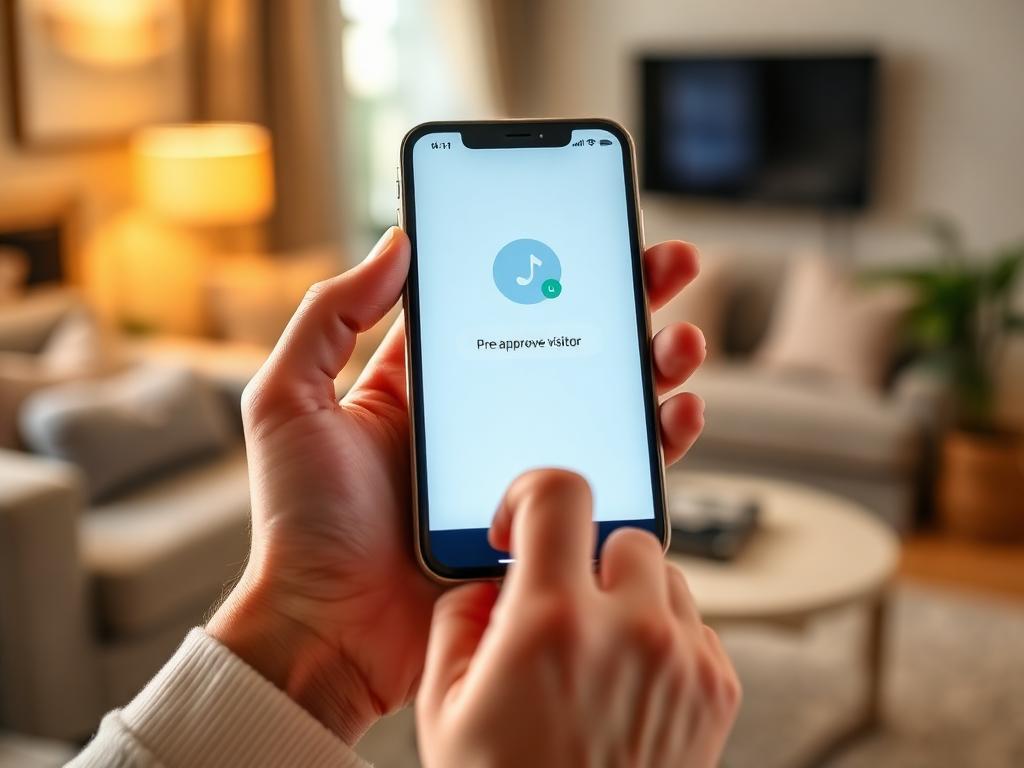
Residents pre-approve frequent visitors from the ADDA app — valid for a day, a week, or a defined period.
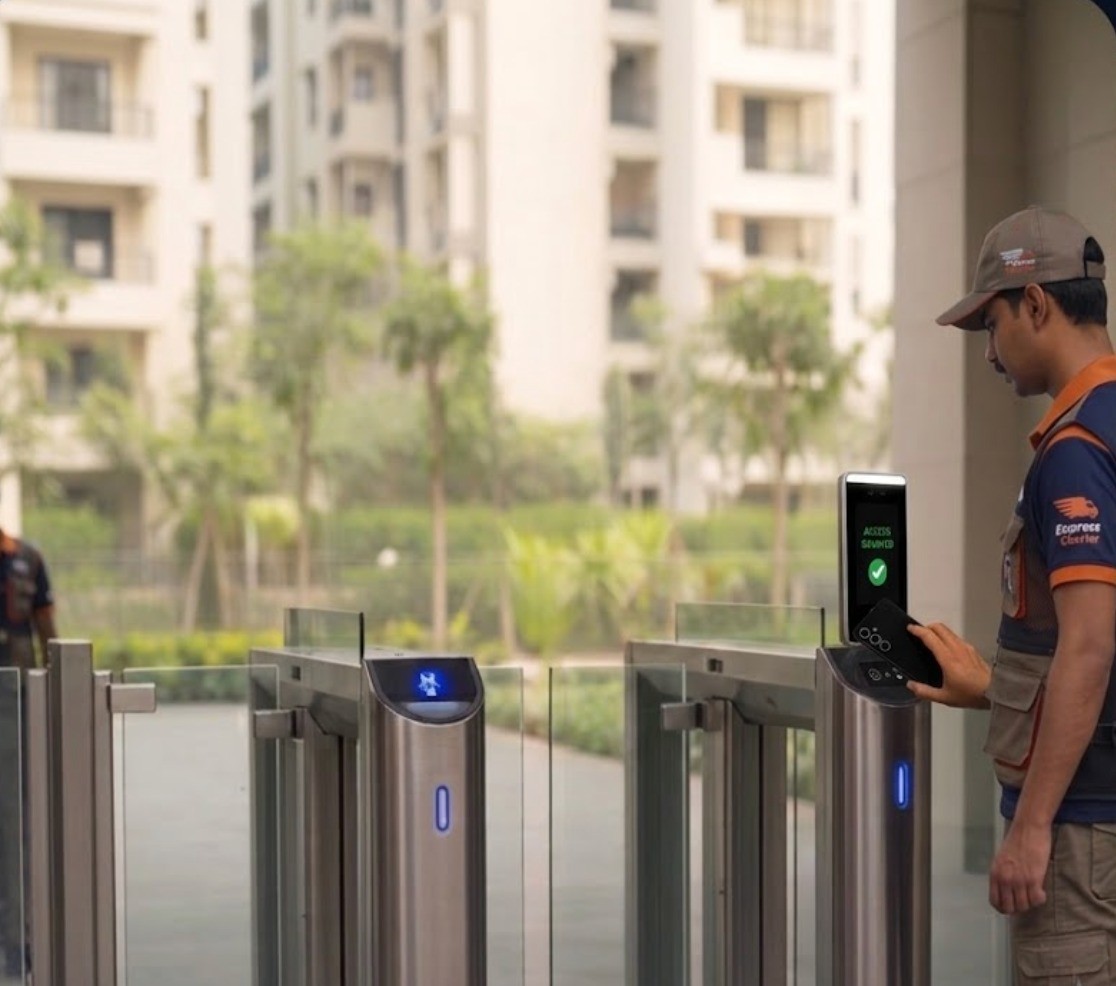
Pre-approved visitors scan their QR at the gate — no guard interaction needed, no waiting for resident approval each time.
Pre-approvals expire automatically at the end of the defined period — no manual cancellation needed.
Talk to our team and see how SmartAccessHub can manage visitor and guest access across your community — seamlessly, securely, and without adding friction at the gate.
Explore Other Solutions →