

Residents
Face Recognition or App QR
Registered residents walk up — their face opens the door. Or tap the SmartAccessHub Resident App for instant QR-based entry. No card, no fumbling, no waiting.
SmartAccessHub ensures only authorised residents, registered staff, and permitted visitors cross the lobby threshold — automatically, every time, without a guard at the door.
The Problem
The Solution
SmartAccessHub devices at the lobby doors check everyone's identity against live SmartAccessHub platform data — and either open the door or hold it. No guard required. No manual check. No register to sign.
Residents
Registered residents walk up — their face opens the door. Or tap the SmartAccessHub Resident App for instant QR-based entry. No card, no fumbling, no waiting.
Authorised Staff
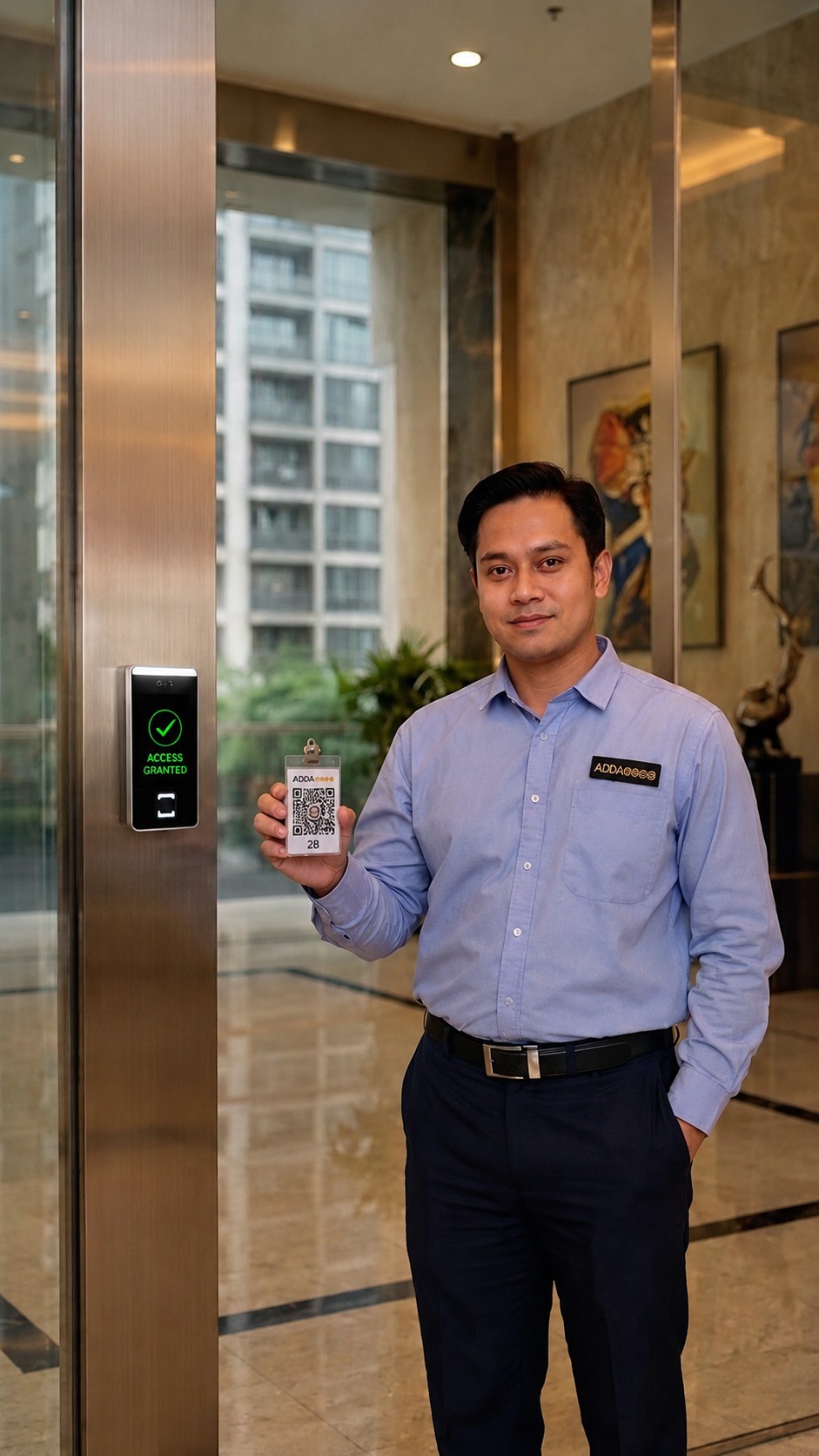
Domestic staff and building staff assigned to specific towers carry SmartAccessHub-issued ID cards. They can only enter the towers they are authorised for — no free movement across the entire building.
Visitors
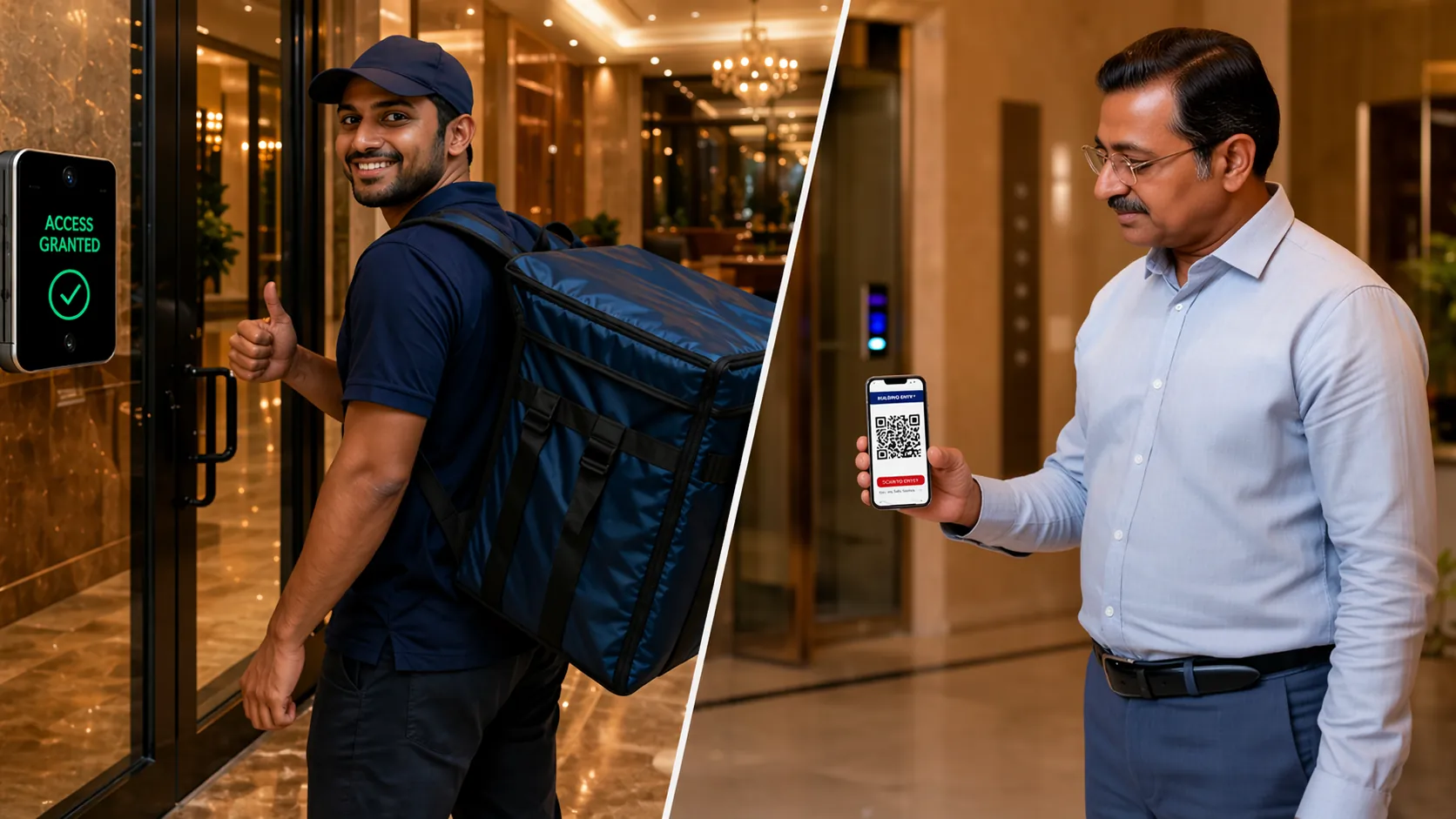
Visitors approved through SmartAccessHub Gatekeeper receive a QR-based access chit at the main gate. It is valid only for the specific tower they are visiting — not the entire building.
Each tower's lobby is independently controlled — residents, staff, and visitors are authorised per tower, not community-wide.
When a tenant moves out, their access is deactivated centrally from SmartAccessHub — they cannot enter the lobby from the next day.
Every entry into every tower lobby is automatically logged — time, identity, access method. Available for review anytime from the SmartAccessHub platform.
Technology Spotlight
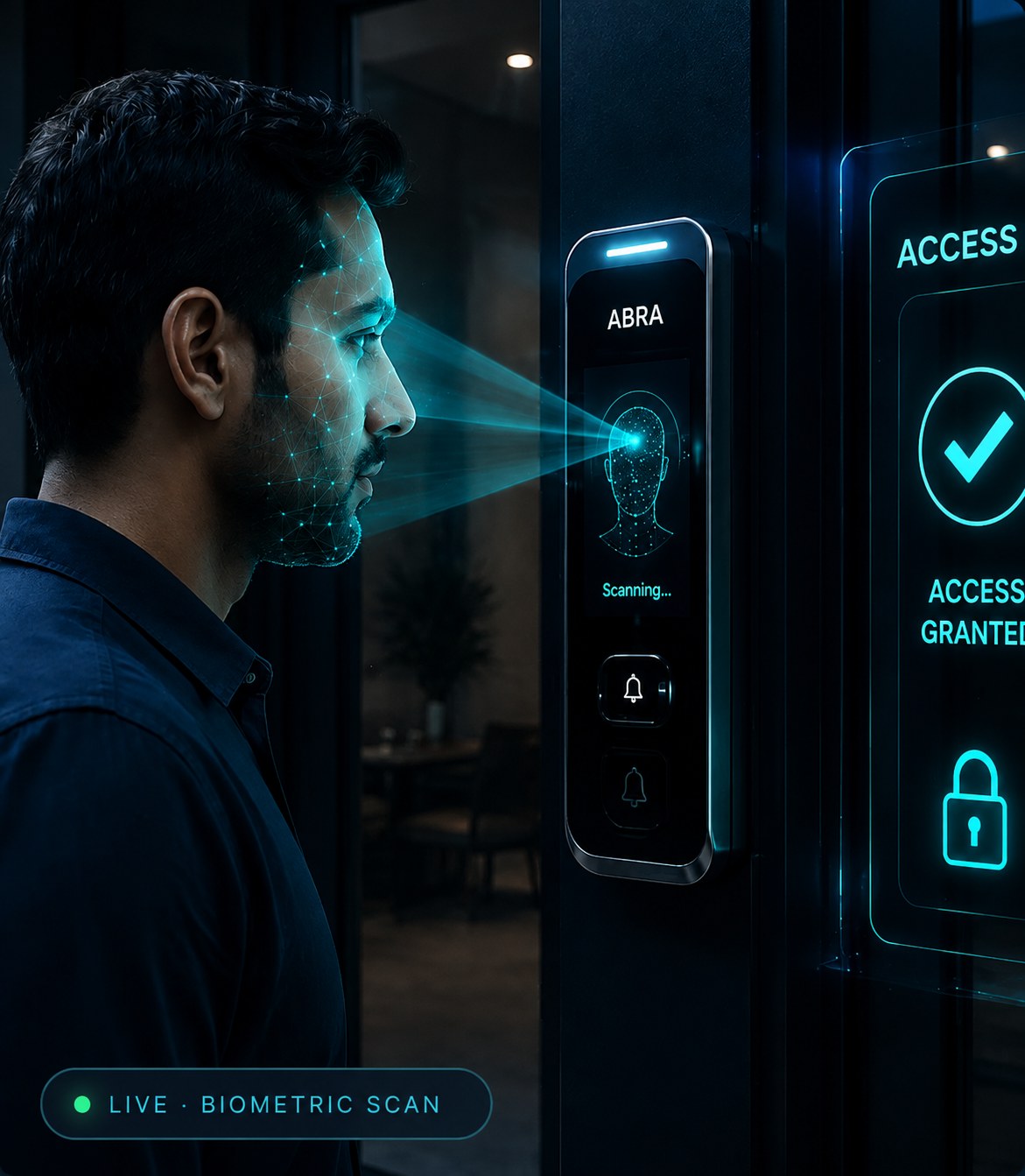
With ABRA, residents activate their face biometric once from the SmartAccessHub app — it syncs instantly to their tower's lobby access device. No device visit, no paper forms, encrypted end-to-end.

"Your lobby. Only for the people who call this tower home."
Talk to our team and see how SmartAccessHub can be installed across your tower lobbies — quickly, without disrupting daily resident movement.
Explore Other Access Points →